> ## Documentation Index
> Fetch the complete documentation index at: https://docs.pingtree.com/llms.txt
> Use this file to discover all available pages before exploring further.
# Routing Distribution Logic
> Overview of routing distribution methods in Pingtree and how to access them.
# Routing Distribution Logic
## The Basics
In lead distribution, the goal is to match incoming leads with the most appropriate destination—whether that's a **form**, **offer wall**, or **buyer endpoint**. **Routing Distribution** defines the method and logic used to make that decision.
Pingtree offers several configurable routing methods that adapt to your campaign needs, buyer contracts, and lead filtering rules.
 ## Real-World Use Case
You’ve got traffic hitting a high-performing campaign. Some leads should:
* Go straight to a branded form.
* Be redirected to an offer wall if they’re in specific states.
* Hit a ping/post auction to maximize yield.
* Be rerouted to a fallback if caps are hit or filters fail.
This flexibility is what Pingtree's **Routing Distribution Logic** delivers.
## Types of Routing Distribution
Pingtree supports five core routing distribution methods, three of which share a unified configuration structure:
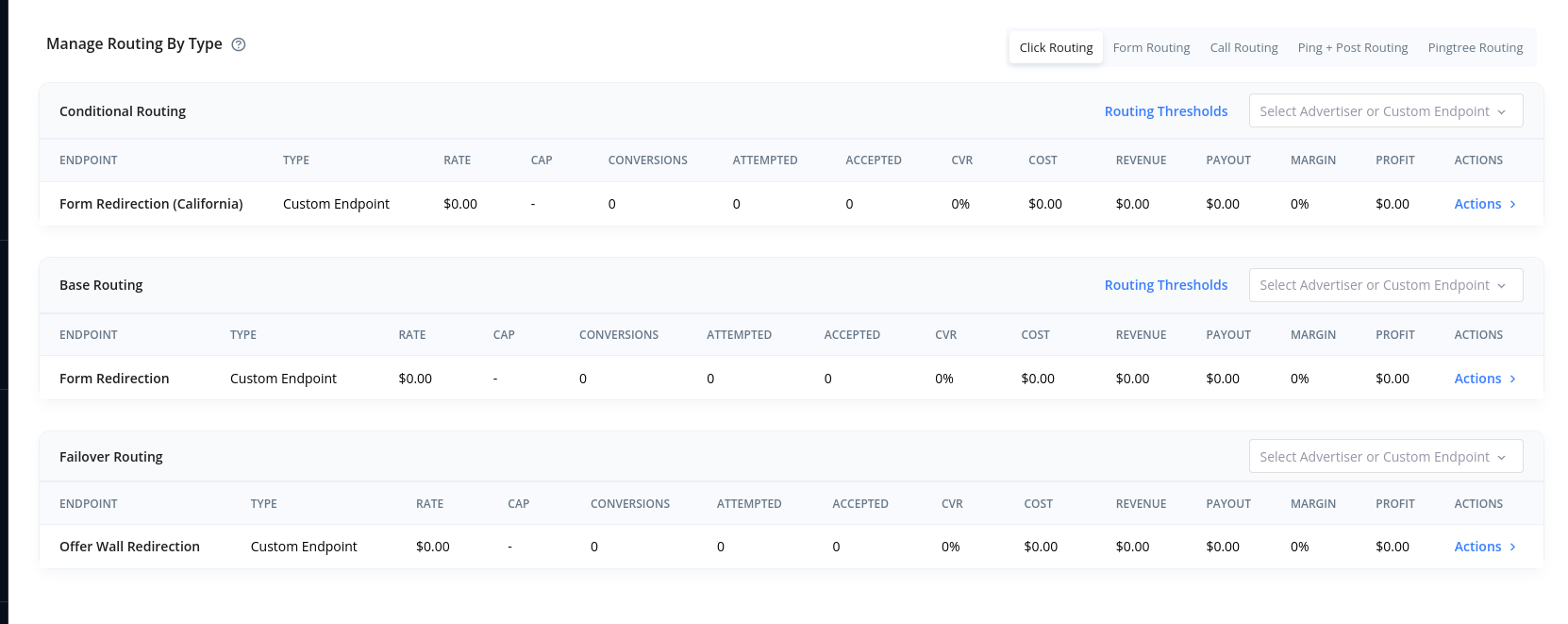
### Click Routing / Form Routing / Call Routing\*
These are direct distribution methods that forward the lead based on filters and logic you define.
## Real-World Use Case
You’ve got traffic hitting a high-performing campaign. Some leads should:
* Go straight to a branded form.
* Be redirected to an offer wall if they’re in specific states.
* Hit a ping/post auction to maximize yield.
* Be rerouted to a fallback if caps are hit or filters fail.
This flexibility is what Pingtree's **Routing Distribution Logic** delivers.
## Types of Routing Distribution
Pingtree supports five core routing distribution methods, three of which share a unified configuration structure:
### Click Routing / Form Routing / Call Routing\*
These are direct distribution methods that forward the lead based on filters and logic you define.
 > *Note: Call Routing coming soon*
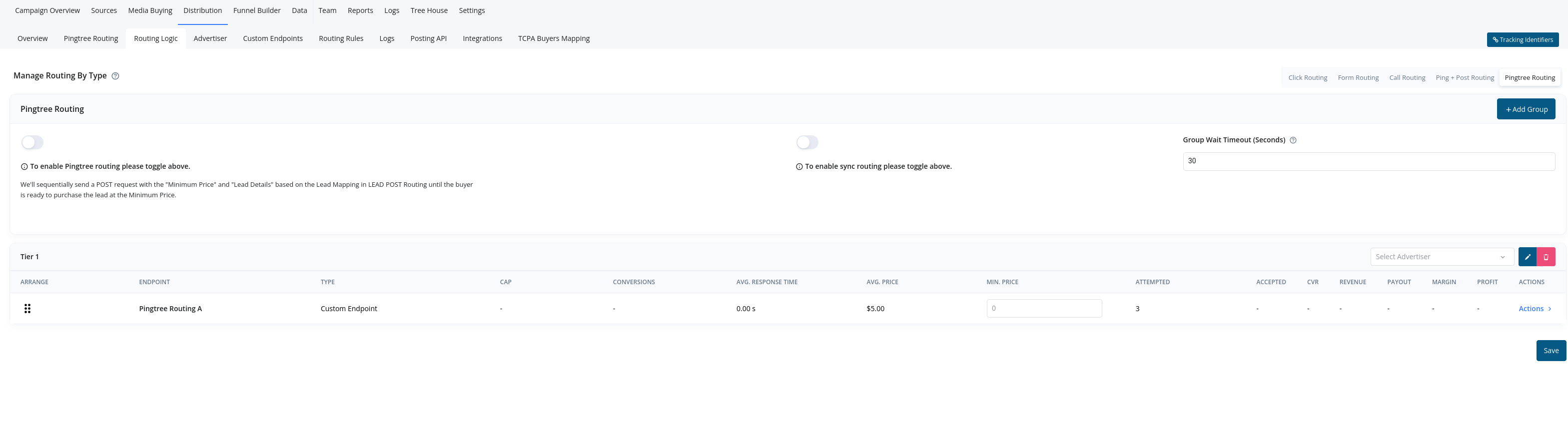
### Pingtree Routing
Posts lead data to multiple buyers in a ranked, priority-based order until one accepts the lead.
> *Note: Call Routing coming soon*
### Pingtree Routing
Posts lead data to multiple buyers in a ranked, priority-based order until one accepts the lead.
 ### Ping+Post Routing
Executes a real-time bidding process where the lead is first **pinged** to buyers for eligibility and pricing. Once responses are received, the system **posts** the lead to the highest bidder that meets your filters.
This can be done:
* **Sequentially**: Posting to buyers one by one based on priority until a successful post.
* **Simultaneously**: Posting to all eligible buyers at once and assigning the lead to the highest bid.
Use Ping+Post when your priority is revenue optimization through buyer competition.
### Ping+Post Routing
Executes a real-time bidding process where the lead is first **pinged** to buyers for eligibility and pricing. Once responses are received, the system **posts** the lead to the highest bidder that meets your filters.
This can be done:
* **Sequentially**: Posting to buyers one by one based on priority until a successful post.
* **Simultaneously**: Posting to all eligible buyers at once and assigning the lead to the highest bid.
Use Ping+Post when your priority is revenue optimization through buyer competition.
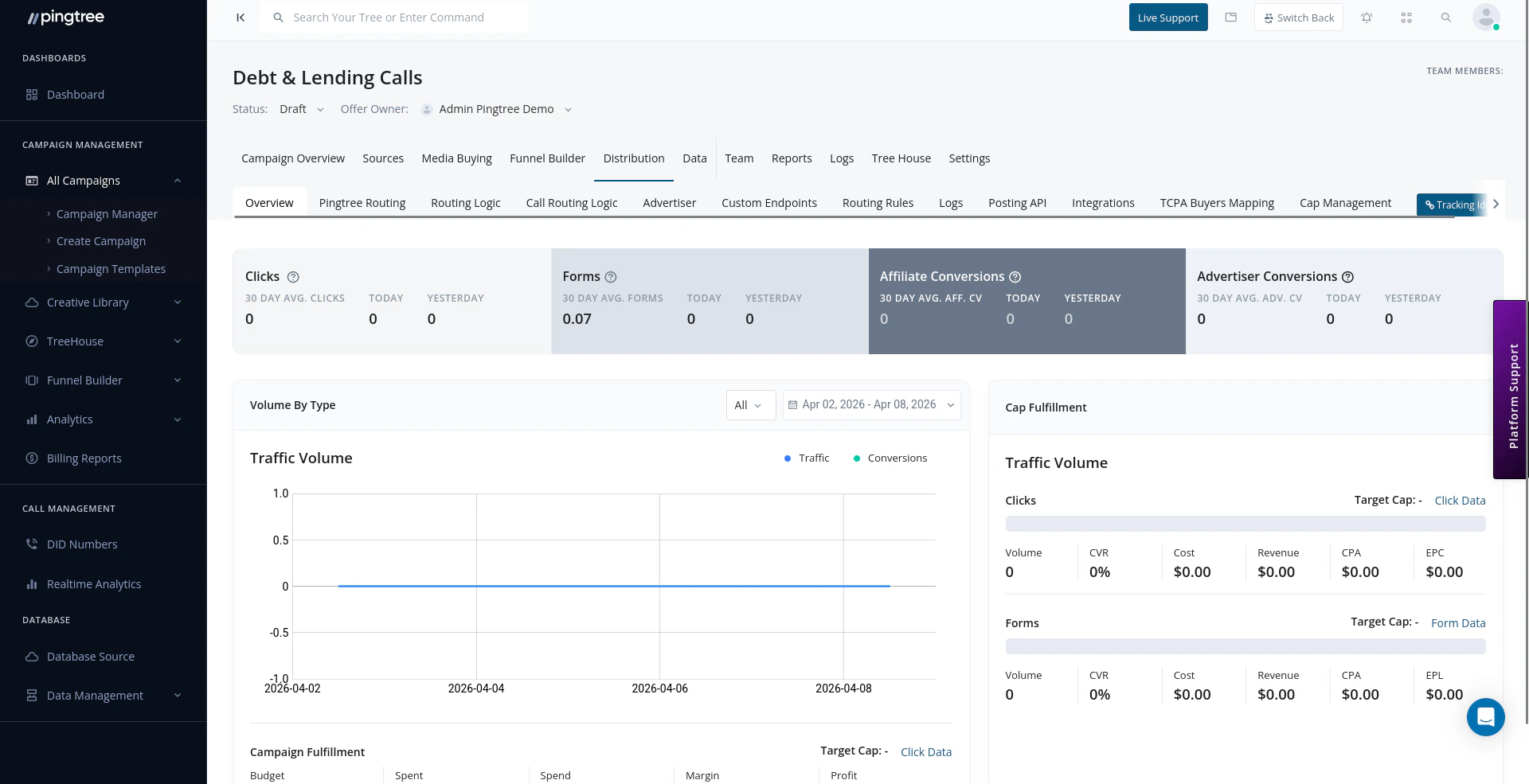
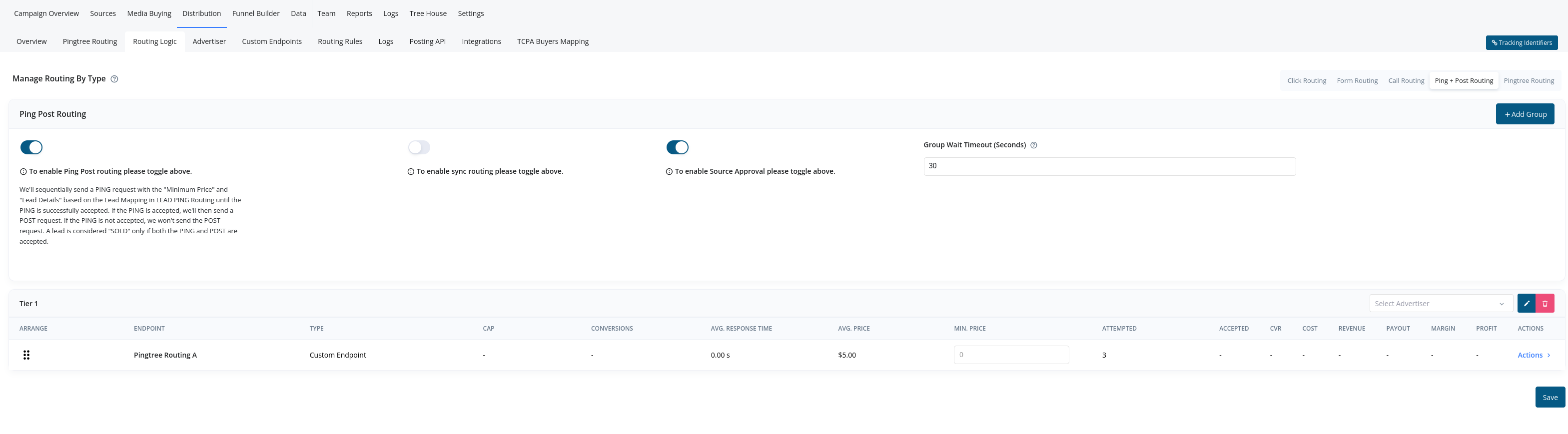 ## Where to Find Routing Distribution Types
To view or configure these methods:
1. Go to your campaign.
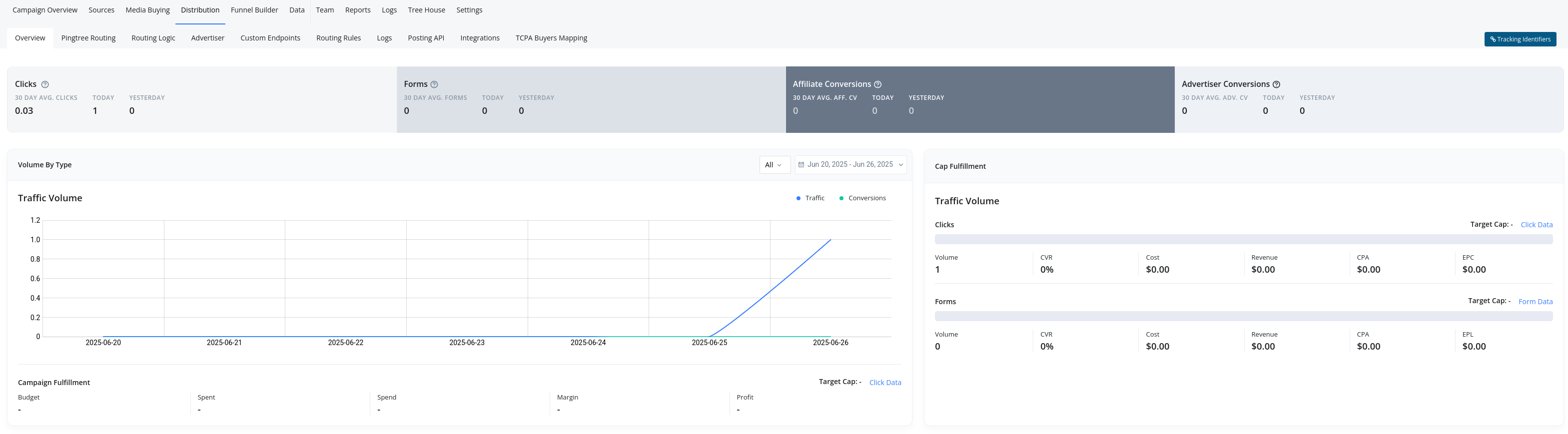
2. Navigate to the **Distribution** section.
3. Select the **Routing Logic** tab.
All available routing distribution types will be visible here, with full control over conditions, filtering, and failover logic.
## Where to Find Routing Distribution Types
To view or configure these methods:
1. Go to your campaign.
2. Navigate to the **Distribution** section.
3. Select the **Routing Logic** tab.
All available routing distribution types will be visible here, with full control over conditions, filtering, and failover logic.