> ## Documentation Index
> Fetch the complete documentation index at: https://docs.pingtree.com/llms.txt
> Use this file to discover all available pages before exploring further.
# Funnel Overview
> Get a quick summary of how your campaign’s landing pages are performing with real-time metrics, visual charts, and action logs.
The **Funnel Overview** page offers a high-level snapshot of your campaign's performance. It consolidates key metrics, trends, and traffic insights to help you evaluate the campaign’s effectiveness quickly.
### Key Features
* **Metrics Summary**: Aggregated totals for core performance metrics such as clicks, conversions, and revenue.
* **Visual Charts**: Easy-to-read graphs for identifying trends and comparing performance.
* **Action History**: A detailed table showing source-wise performance and campaign events.
***
## Metrics Displayed
 For the selected date range, the following metrics are provided:
* **Gross Clicks**: Total number of raw clicks (including duplicates).
* **Clicks**: Unique clicks excluding duplicates.
* **Duplicate Clicks**: Clicks recognized as repeated or redundant.
* **Form Submissions**: Number of completed lead forms.
* **Advertiser Conversions (CVs)**: Total confirmed conversion events from advertisers.
* **Conversion Rate (CVR)**: Calculated as `(Conversions / Clicks) * 100`.
* **Revenue**: Total revenue generated from converted leads.
***
## Charts and Visualizations
For the selected date range, the following metrics are provided:
* **Gross Clicks**: Total number of raw clicks (including duplicates).
* **Clicks**: Unique clicks excluding duplicates.
* **Duplicate Clicks**: Clicks recognized as repeated or redundant.
* **Form Submissions**: Number of completed lead forms.
* **Advertiser Conversions (CVs)**: Total confirmed conversion events from advertisers.
* **Conversion Rate (CVR)**: Calculated as `(Conversions / Clicks) * 100`.
* **Revenue**: Total revenue generated from converted leads.
***
## Charts and Visualizations
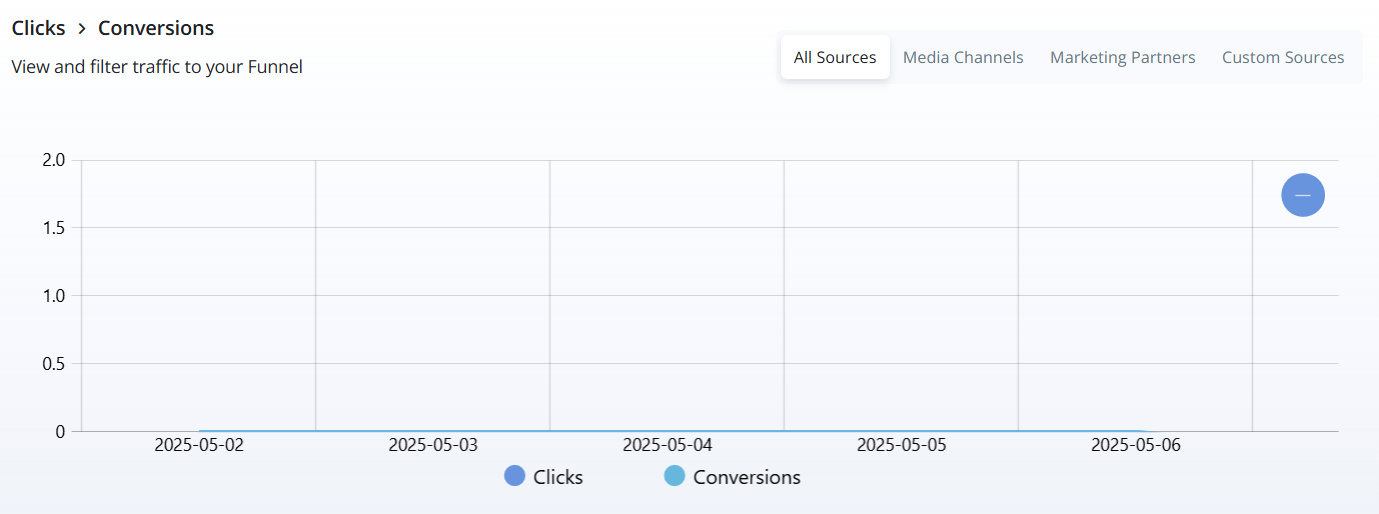
 Charts provide quick insights into trends over time:
* **Clicks vs Conversions** *(Line Chart)*: Compares the count of clicks vs conversions over time.
* **Gross Clicks** *(Metric Card)*: Highlights total gross clicks in the selected period.
* **Clicks** *(Metric Card)*: Shows the number of unique clicks.
* **Advertiser Conversions** *(Metric Card)*: Displays confirmed conversions.
* **Conversion Rate** *(Metric Card)*: Shows percentage of clicks that led to conversions.
***
## Action History
Charts provide quick insights into trends over time:
* **Clicks vs Conversions** *(Line Chart)*: Compares the count of clicks vs conversions over time.
* **Gross Clicks** *(Metric Card)*: Highlights total gross clicks in the selected period.
* **Clicks** *(Metric Card)*: Shows the number of unique clicks.
* **Advertiser Conversions** *(Metric Card)*: Displays confirmed conversions.
* **Conversion Rate** *(Metric Card)*: Shows percentage of clicks that led to conversions.
***
## Action History
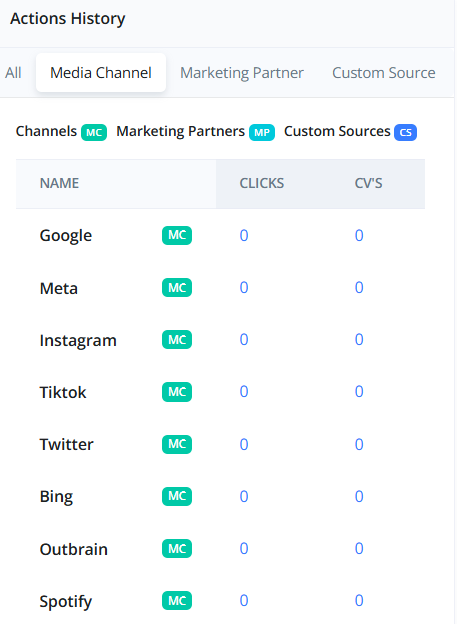
 The **Action History** table details the performance of individual traffic sources and recent campaign actions.
Each row includes:
* **Source**: The traffic source name or identifier.
* **Clicks**: Total clicks from that source.
* **Conversions (CVs)**: Total confirmed conversions from that source.
> **Tip:** Use this table to identify top-performing traffic sources and investigate any underperforming ones.
The **Action History** table details the performance of individual traffic sources and recent campaign actions.
Each row includes:
* **Source**: The traffic source name or identifier.
* **Clicks**: Total clicks from that source.
* **Conversions (CVs)**: Total confirmed conversions from that source.
> **Tip:** Use this table to identify top-performing traffic sources and investigate any underperforming ones.