

Video Walkthrough: A step-by-step video guide for this feature is coming soon.
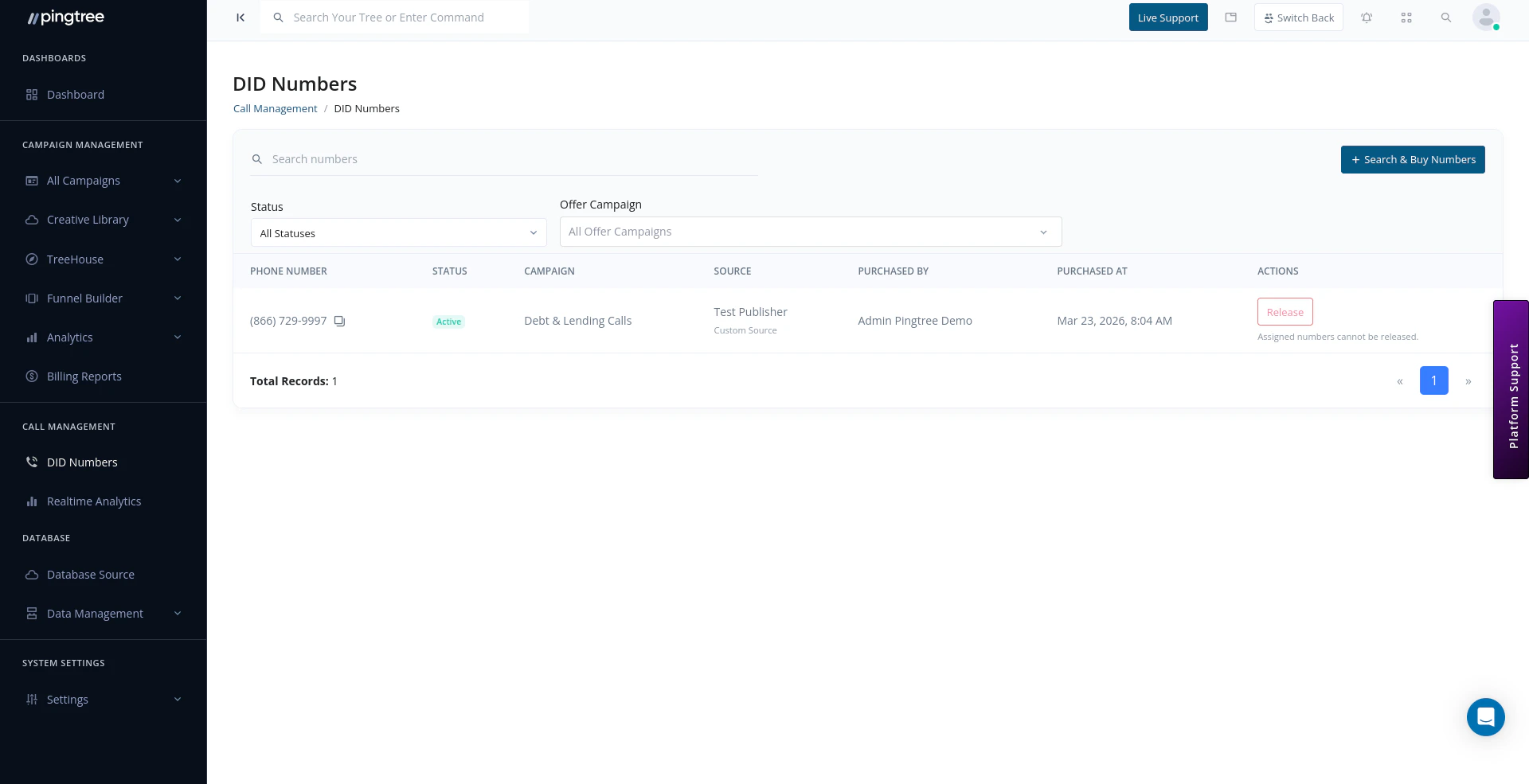
Call management overview showing DID numbers and call analytics
What is Call Management?
Call Management is a set of tools that lets you purchase dedicated phone numbers, route inbound callers to buyers, record conversations, and monitor call activity in real time — all without leaving Pingtree. The infrastructure runs on Telnyx, a carrier-grade communications platform that handles number provisioning, call control, and audio delivery. At a high level, the workflow looks like this:- Purchase a DID (Direct Inward Dialing) number through the Pingtree interface.
- Assign that number to a campaign and source combination.
- Configure how callers are greeted and routed.
- Calls come in, are tracked as leads, and distributed to buyers via your existing campaign routing rules.
- View recordings, analytics, and performance data alongside your other lead types.
DID Numbers
A DID number is a real phone number that callers dial. Pingtree purchases numbers on your behalf through Telnyx and stores them in your account.- Search for local (geographic area code) or toll-free (800, 833, 844, 855, 866, 877, 888) numbers.
- Numbers are purchased from your wallet balance. An upfront charge and a recurring monthly charge apply.
- Each number must be assigned to exactly one campaign + source combination before it can receive traffic.
- When you no longer need a number, release it to stop charges and remove it from Telnyx.
Call Routing
When a call arrives on a purchased number, Pingtree’s call control layer handles the interaction:- A greeting is played to the caller using Text-to-Speech (TTS) with a configurable voice and message.
- If no buyer is available, a hold/waiting audio clip plays while routing occurs.
- The call is transferred to the winning buyer’s phone number.
- An ending message can play before the call concludes.
Call Recording
Recording is opt-in and configured per campaign source. When enabled:- Recordings are captured in MP3 format with dual-channel audio (caller and buyer on separate tracks).
- Recordings are stored securely in cloud storage and accessible via a time-limited signed URL (valid 15 minutes).
- A retention period controls how long recordings are kept — options range from 30 days to lifetime. Longer retention periods carry a higher cost multiplier on the per-minute recording charge.
Tip: Enable recording for quality assurance and compliance use cases. Dual-channel recordings make it easy to evaluate both sides of the conversation independently.
Real-Time Analytics
The Real-Time Analytics dashboard gives you a live view of call traffic:
The dashboard auto-refreshes at a configurable interval (3, 5, or 10 seconds) and can be filtered by campaign and source.
See Real-Time Call Analytics for details.
Calls as Leads
In Pingtree’s data model, a call is a lead. Each inbound call creates a lead record linked to:- The campaign and source the DID number is assigned to.
- A lead transaction ID for traceability in reports.
- A buyer when the call is answered and counted toward cap/payout rules.
Architecture Summary
Tip: Your account must have a Call Control Application and Billing Group configured before you can purchase DID numbers. Contact your account manager if these are missing.